Kepton drafts replies in your voice and shows the patterns in your conversations — running on your phone, with no account to create. The only network step is a one-time model download, and you approve it before it starts.

Draft, rewrite, switch persona, see the numbers, ask grounded questions — without pasting chats into someone else’s cloud.
Most AI reply tools ask you to paste screenshots or chat text into the cloud. Kepton flips that: you import an export you choose (or select/paste text for a quick action), then everything runs on-device — suggestions, rewrites, pattern insights, and Analysis.
Drafts are grounded in your conversation history and optional context you add. You review every line. You send what you mean.
In any app — long-press, copy. Kepton never touches your messaging apps.
Tap the floating bubble or the app shortcut. Works with any keyboard.
Three drafts in the style you choose — tone, Mirror, or an archetype persona.
Your keyboard, your app. Nothing is sent anywhere. Review every line first.
Works with the keyboard you already use. (A built-in keyboard is not part of 1.0.)
A floating bubble or panel that helps you answer faster — drafts grounded in your own history and context you provide.
Switch tone (Friendly, Professional, Mirror…) or character energy (The Wit, The Detective, Casanova…) — all on-device, none of your chats uploaded.
System “Process text” actions — Ask Kepton and Rewrite with Kepton — on text you select or paste. Quick help without leaving the chat.
Pattern metrics: message counts, reply timings, balance. Narration describes the numbers — not personality or relationship verdicts.
Ask questions about a conversation and get observations grounded in snippets and metrics. Helpful context — not professional advice.
See what lives on your phone, delete contact data anytime, and block further internet after setup. Transparency without a credits ledger.
The first thing Kepton does is show you what it does — on a built-in sample conversation, before you add anything of your own.
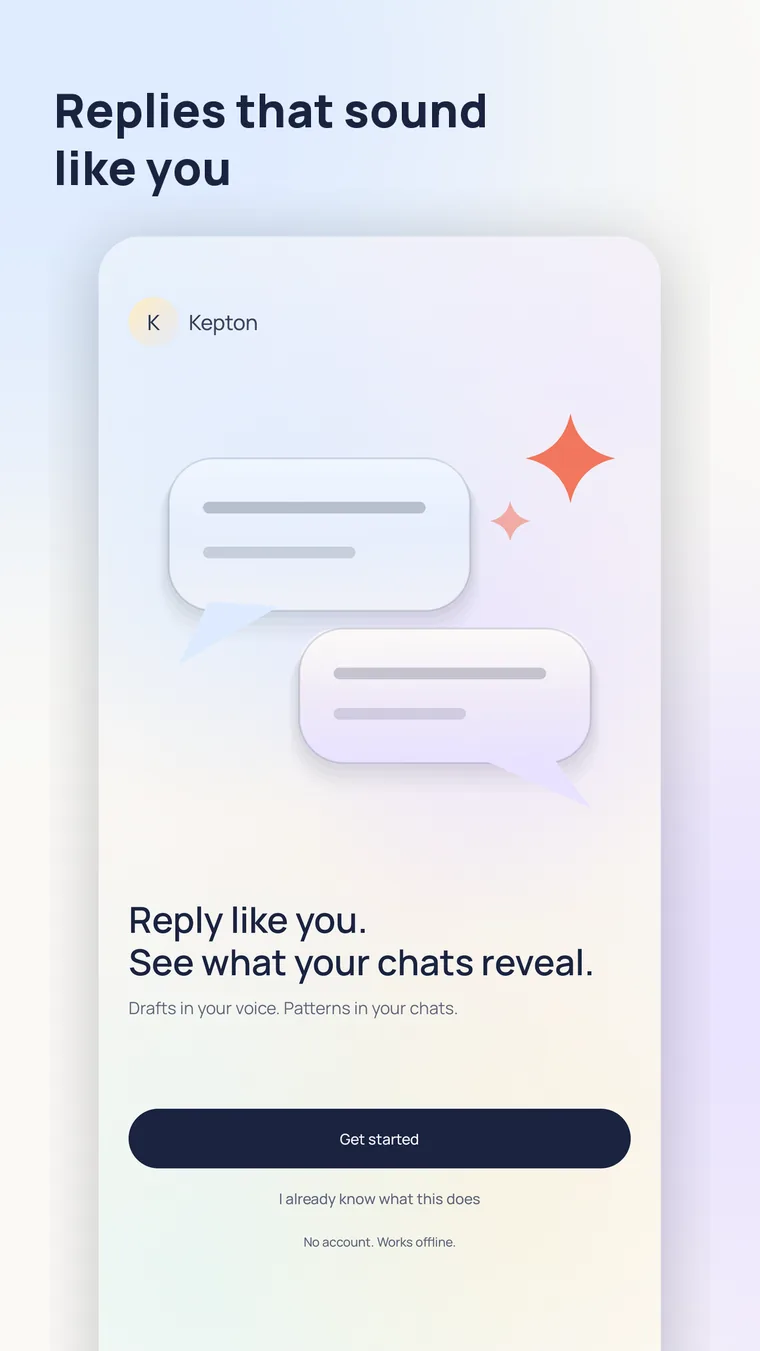
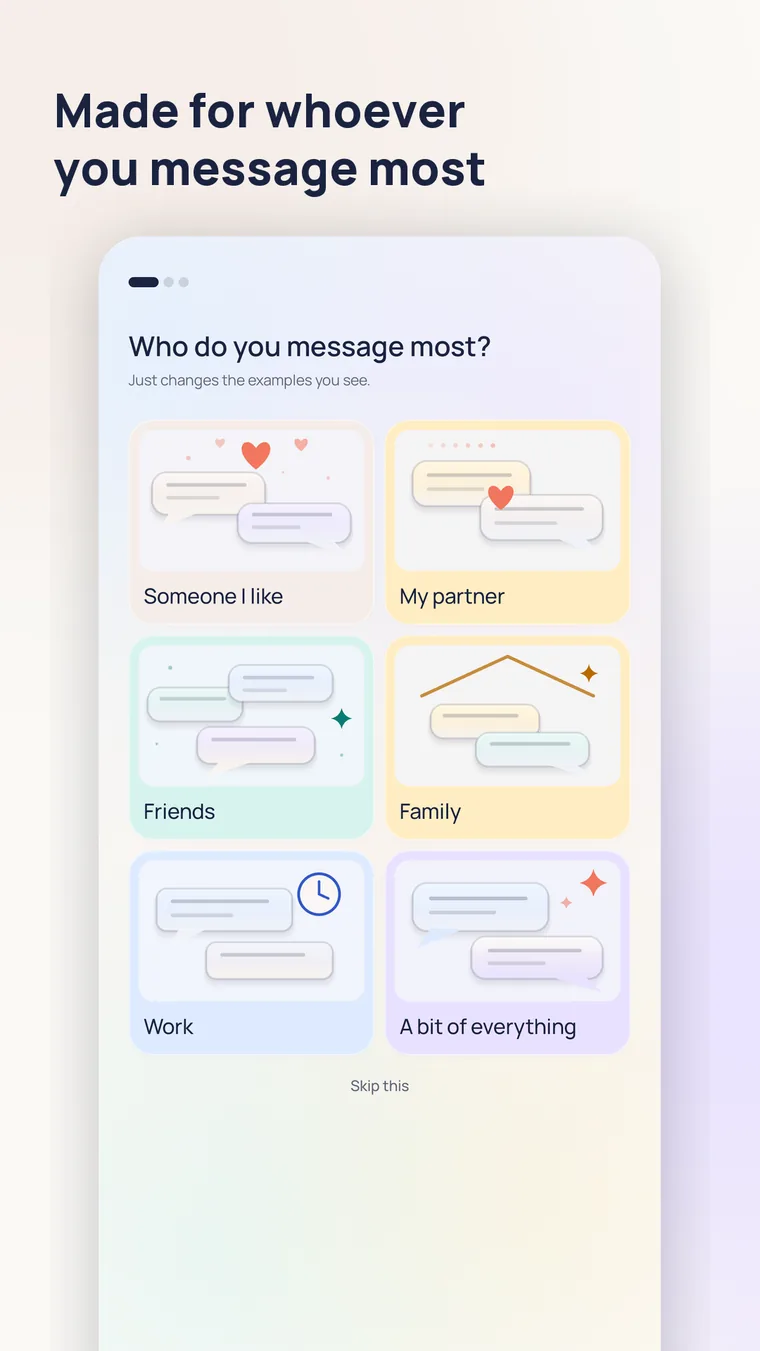
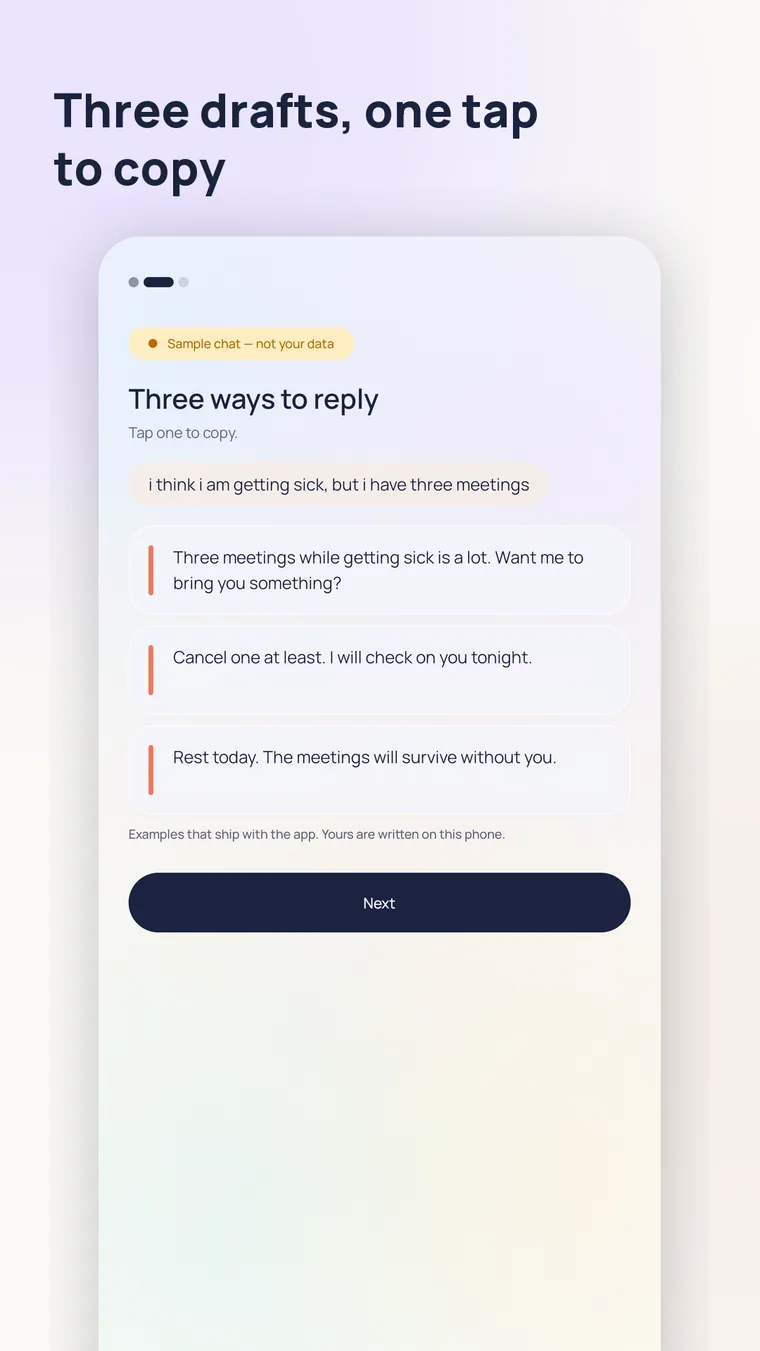
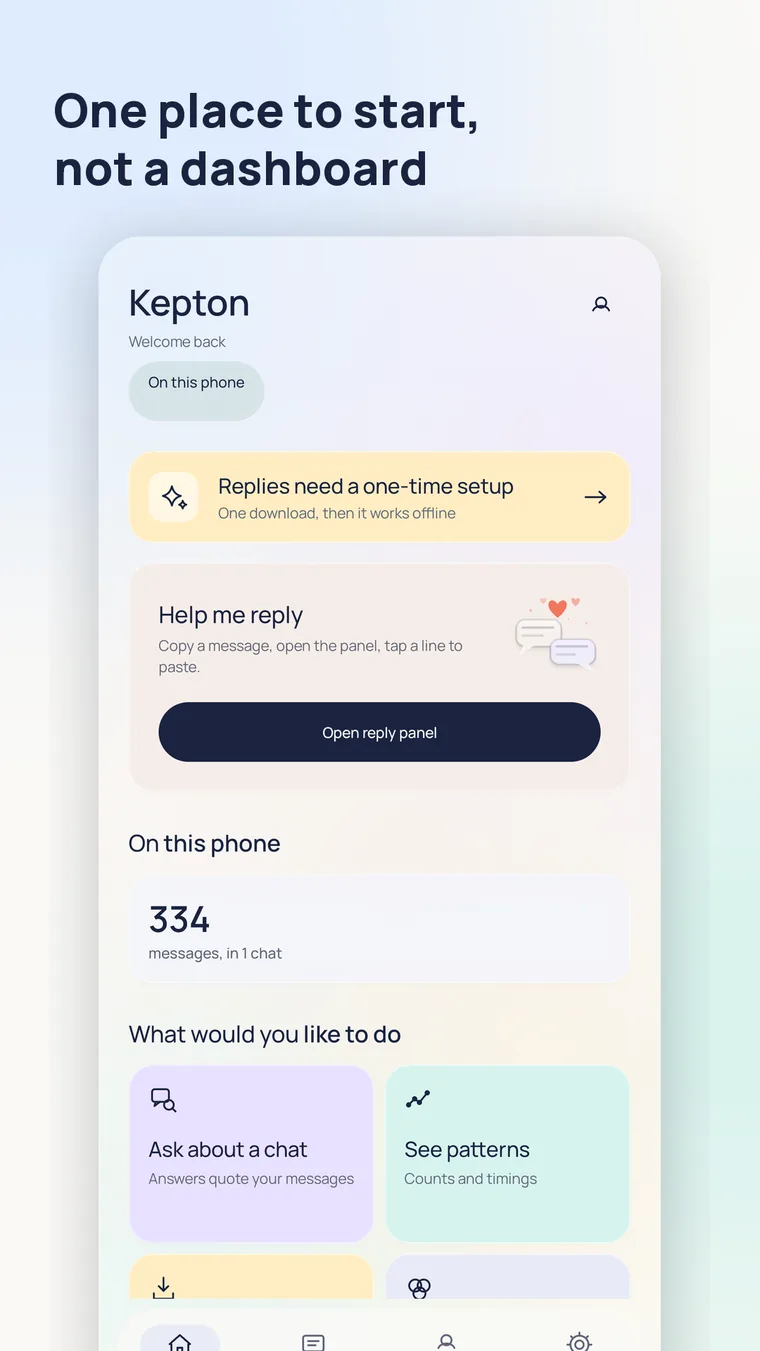
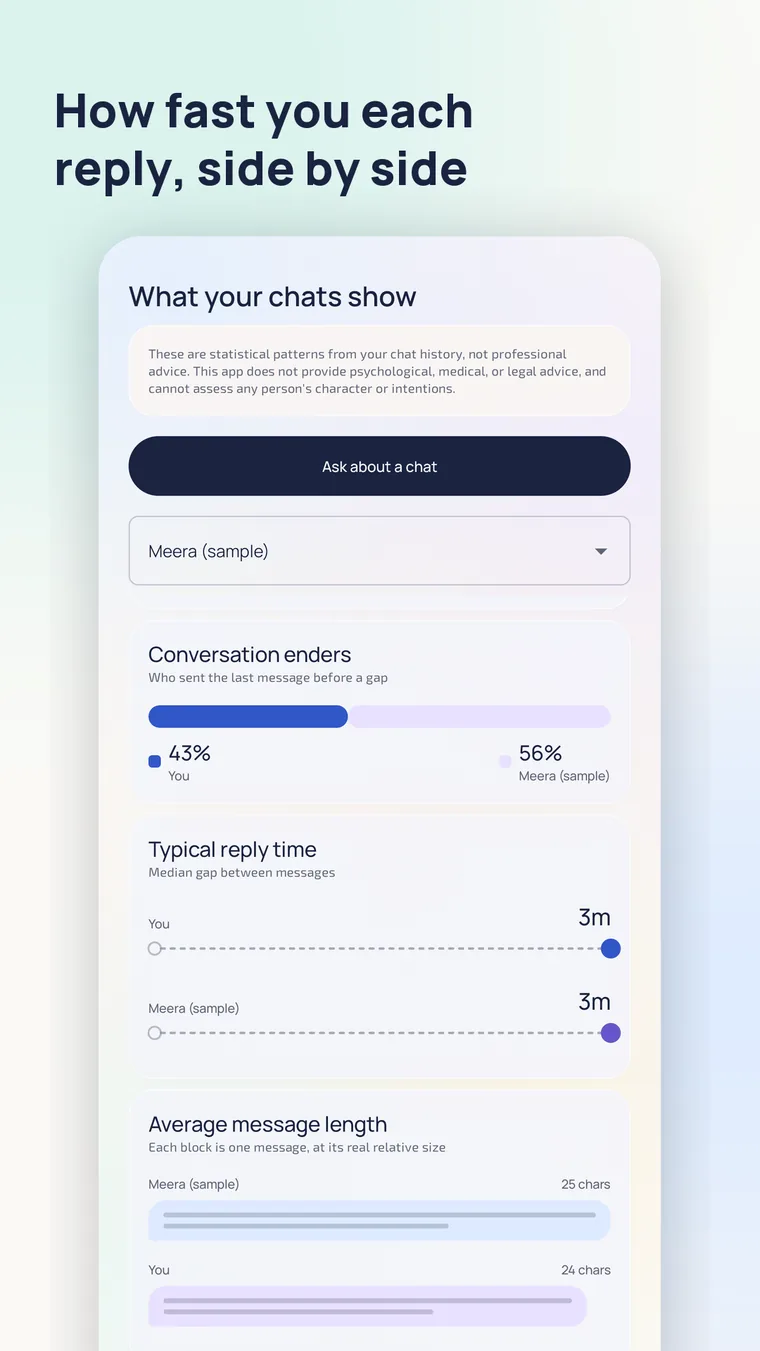
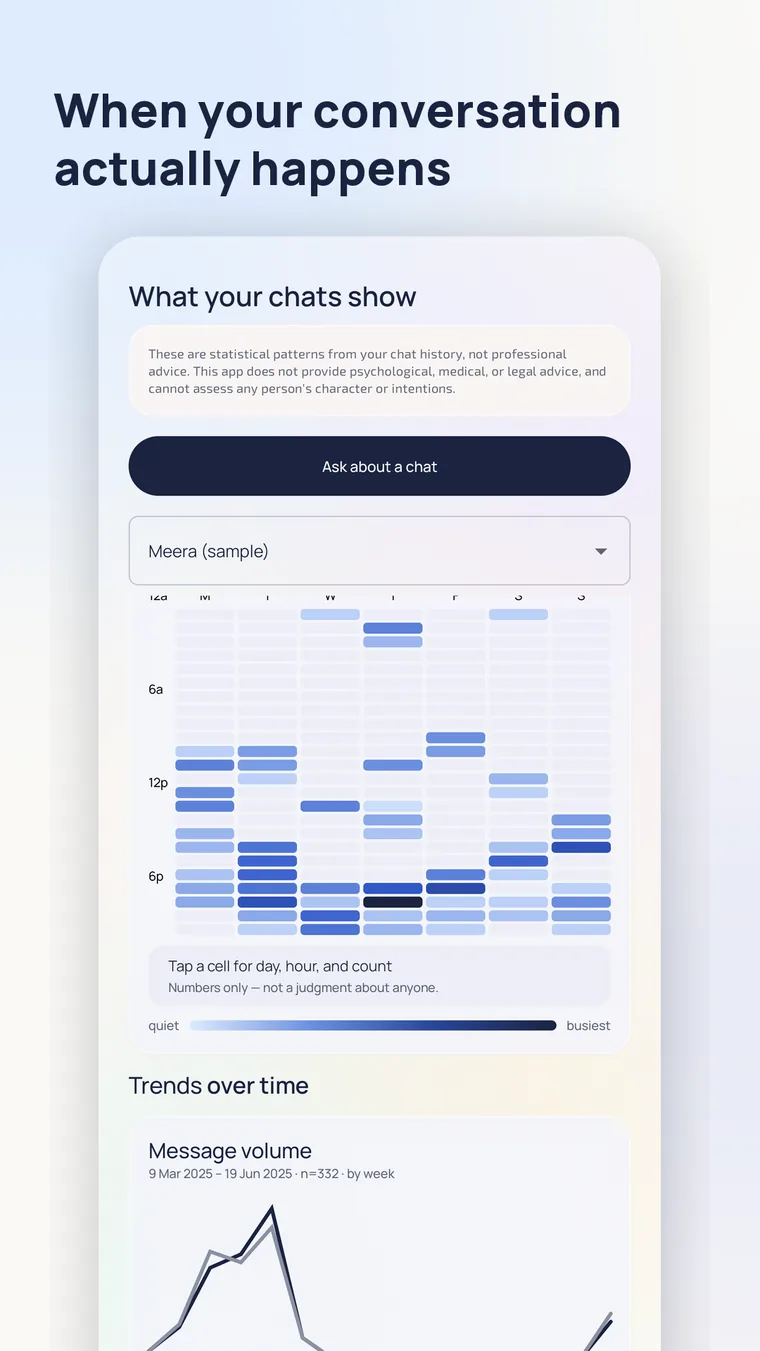
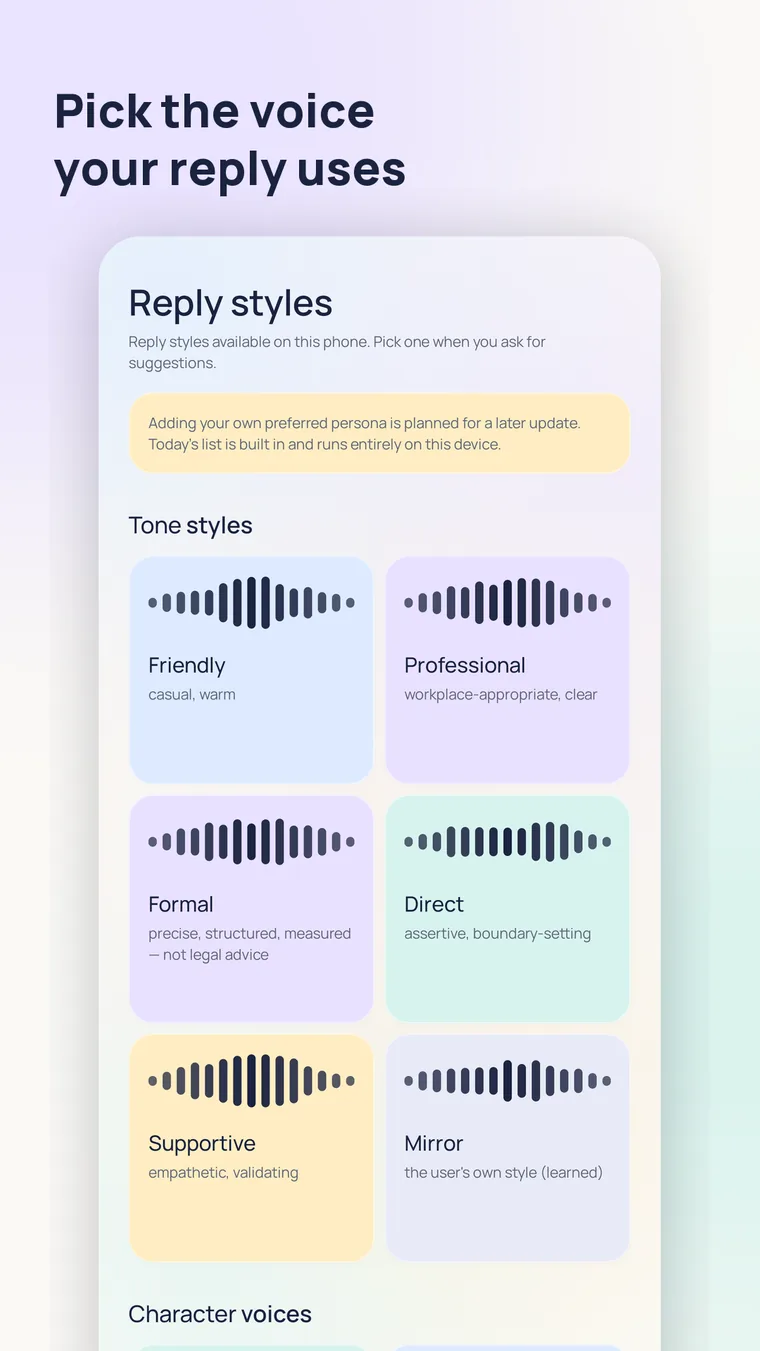
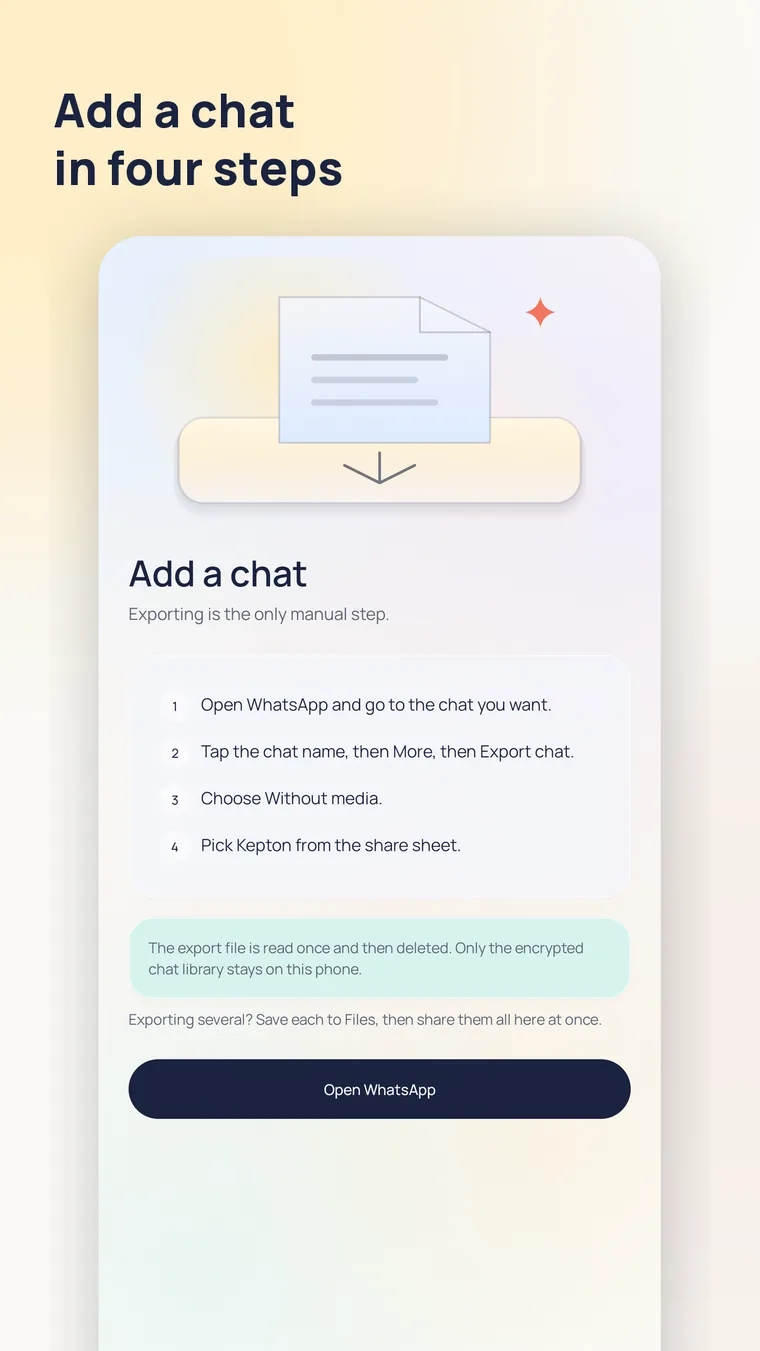
Swipe, or use the arrows — 8 screens
Tone personas keep the register clear. Character personas add archetype energy — public-domain and fictional-feeling names, never trademarked TV lawyers. Switch before you suggest; review before you send.
Warm, casual, concise — easy everyday replies.
Clear workplace register. No slang theatre.
Assertive and short when you need a boundary.
Learns your style with that contact from your own messages.
Playful comebacks — sharp without being cruel.
Notices detail from history; precise, observational replies.
Attentive charm when the moment calls for it — still on-device.
Strategic, measured lines for longer-game conversations.
Also in the app: Supportive, Formal, The Closer, The Genius, The Prodigy, Birbal — browse them on-device anytime. Custom personas come later.
Most apps ask you to trust a privacy page. Here is the entire network surface instead, line by line.
| What | When | Leaves your phone |
|---|---|---|
| Your chat messages | never | 0 bytes |
| Reply drafts | never | 0 bytes |
| Conversation insights | never | 0 bytes |
| Contacts, names, profiles | never | 0 bytes |
| Analytics, crash reports | never | no SDK in the app |
| The AI model files | once, after you approve | ~2.6 GB down |
Exactly one component of the app is permitted to open a network connection. During that download a CDN sees your IP address and the fact of the download — never your messages. Afterwards you can block the app’s internet access entirely. Full detail in the privacy policy.
You still get smart drafts and conversation help — without the “paste everything into someone else’s servers” tradeoff.
Imported chats, memory, and Analysis threads stay encrypted on the device. Webonika does not receive or store your chat content.
After the optional one-time model download you start yourself, suggestions and insights run without internet.
During model download, a CDN may see your IP and the fact of the download — not your chats. Then the kill switch can refuse further internet.
No credits ledger for your private messages. Review every draft before you send — you remain responsible for what goes out.
Worth knowing up front, so the app matches what you expected when you open it.
No access to any messaging app. You choose what comes in: a chat export you share, or text you select or paste.
Insights are counts and timings. Kepton will not tell you what someone is like — and it is not professional advice.
The on-device model is about 2.6 GB. Wi-Fi is a good idea. After that, everything runs offline.
Works with exports you produce yourself. Kepton is not affiliated with, endorsed by, or connected to WhatsApp or Meta.
Android 12 or newer on a 64-bit phone. No iOS version; the optional keyboard is not part of 1.0.
Every draft is a starting point. Read it before you send — Kepton never sends anything for you.
No. Kepton is an Android app that processes conversations on your phone. It drafts reply suggestions and shows pattern insights from exports you import — it does not upload your chats to Webonika’s servers.
Only for an optional one-time AI model download you start yourself (with size shown and consent first). After that, suggestions, Insights, and Analysis run offline.
Drafts are grounded in your own conversation history and optional context you add. Choose Mirror to lean into your learned style with that contact, or pick a tone/character persona for the vibe you want — then review and edit before sending.
Built-in reply styles: tones like Friendly, Professional, Supportive, and Mirror, plus character archetypes like The Wit, The Detective, Casanova, Chanakya, and more. They change how drafts read — they do not upload your chats or label people.
No. It works from chat exports you choose to import, and from text you explicitly select or paste. It does not claim automatic access to your messaging apps.
No. Insights and Analysis describe patterns in message data. They are not psychological, medical, or legal advice, and they do not assess anyone’s character.
Kepton is free on Google Play, with no account and no subscription. There are no ads and no analytics SDK in the app.
On your phone, in encrypted storage. Raw import files are deleted once they have been read. You can delete any chat and everything derived from it at any time inside the app.
Kepton helps you write faster and see conversation patterns. It does not replace your judgment. Outputs are not always correct — edit before you send. Not professional advice; not character labels.
Read the Privacy Policy and Terms of Service for how Kepton handles information and what you agree to when using the app.
No account, no subscription. Try it on the built-in sample chat before you add a conversation of your own.
Free on Google Play. Drafts in your voice, patterns from your chats — without shipping your messages to the cloud.
